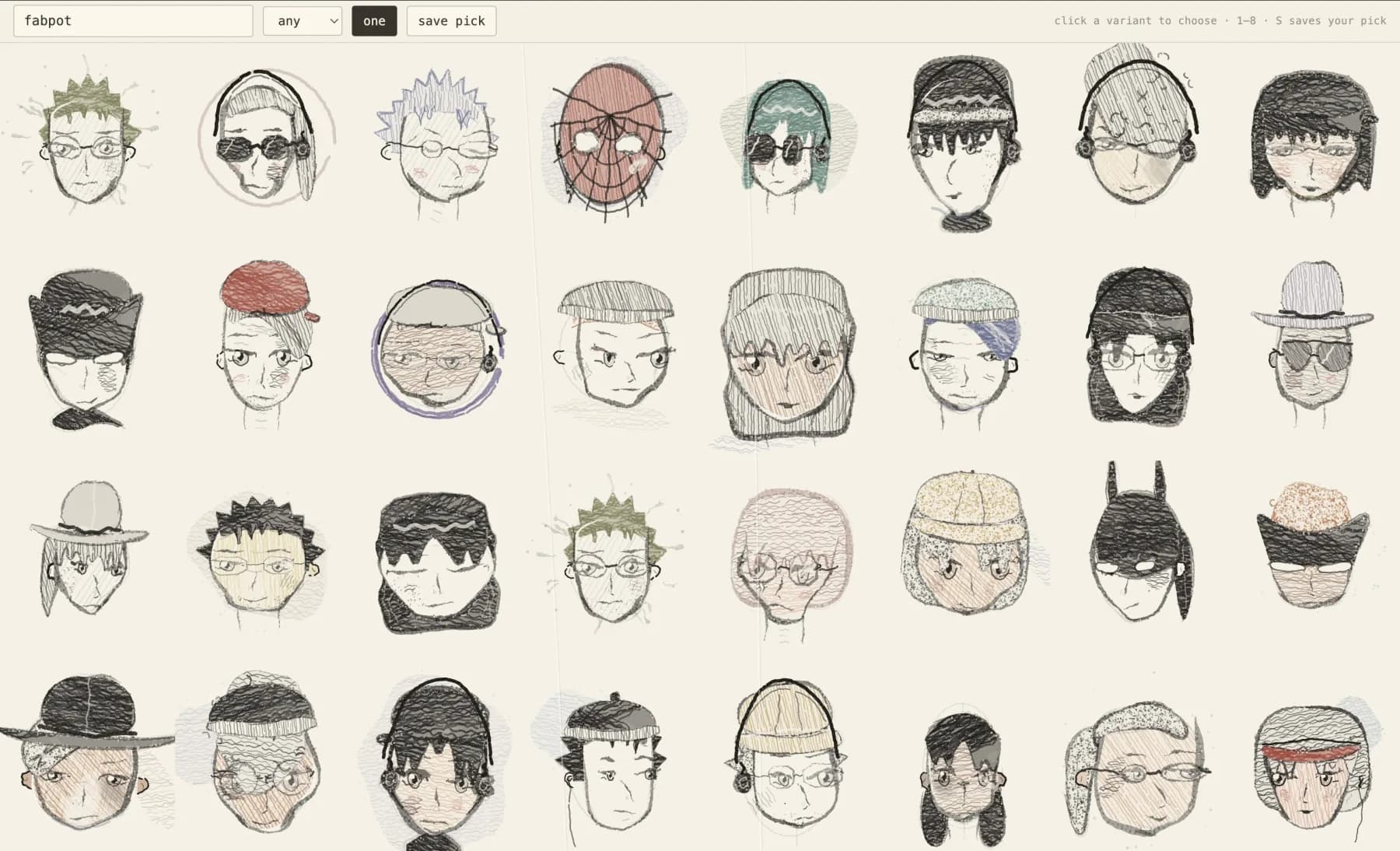
None of the faces on this page are photographs, AI images, or files sitting on a server. Each one is drawn when the page loads, by a browser following instructions, from nothing but a name.
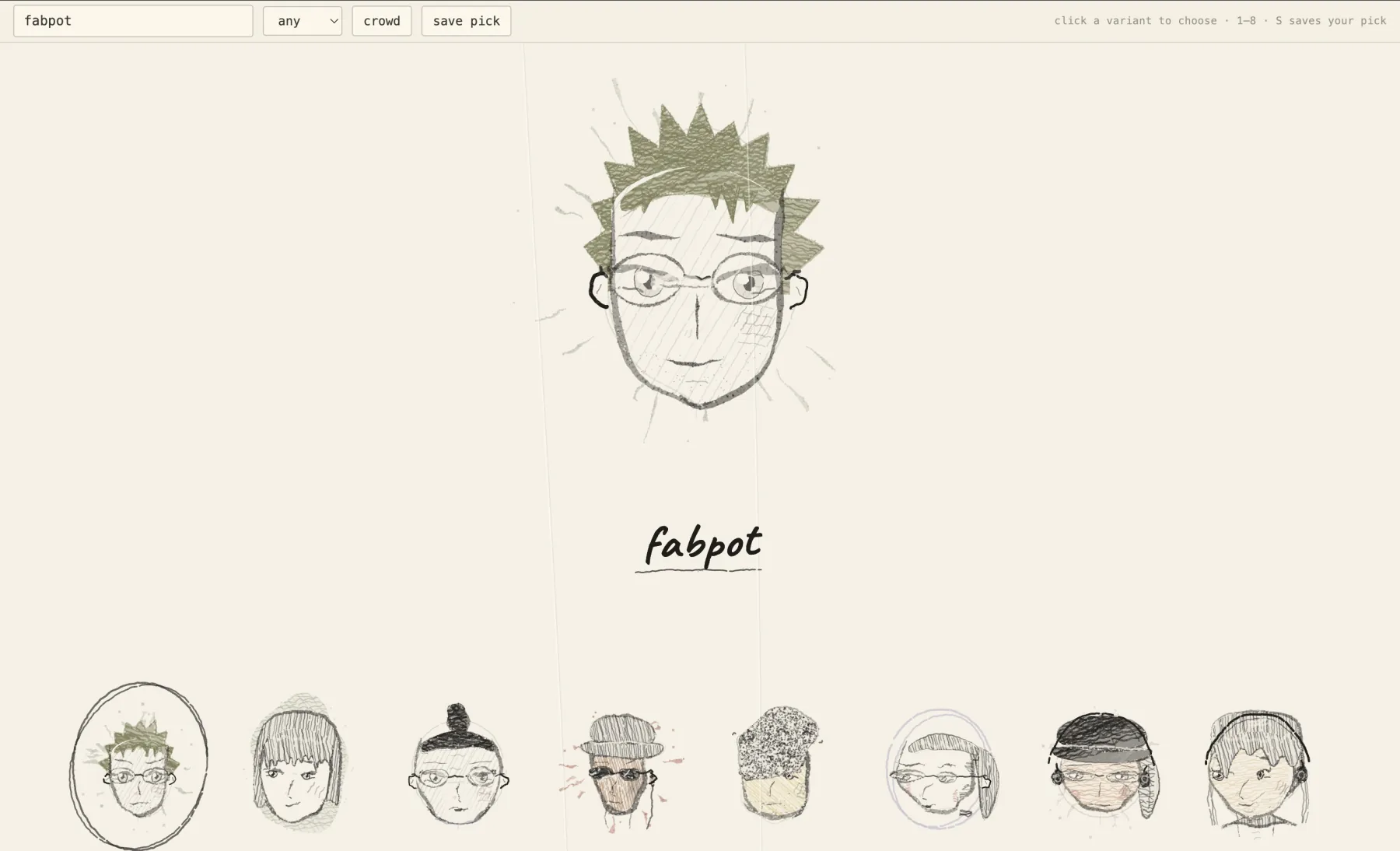
The whole thing is one HTML file, 132 KB, with no libraries and no build step. Type a name and you get a person. Type the same name tomorrow on another machine and you get the same person.
I started this after reading cyber-crowd by Kevin Ngo, who put the entire thing on GitHub under MIT. I ran it locally, changed things to see what broke, and kept going. Most of what follows I learned from his rendering code.
A perfect line looks wrong
Ask a canvas to draw a line and you get this:
ctx.beginPath();
ctx.moveTo(0, 0);
ctx.lineTo(100, 40);
ctx.stroke();
Dead straight, identical thickness end to end, both ends cut square. Everyone recognises that as machine-made in about a tenth of a second, even people who could not tell you why.
Watch what a pencil actually does. The line starts light because you have not committed yet. It thickens in the middle where your hand presses hardest. It thins again as you lift off. It wobbles, because your wrist is a hinge and not a rail. Graphite crumbs break off the sides. In patches, the tooth of the paper shows through and the line skips.
So the trick is that you do not draw a line at all. You build a filled shape and vary its width along the path:
// walk the path, and at each step decide how wide the stroke is here
let half = w / 2
  // taper: thin at both ends, full width through the middle
  * (0.3 + 0.7 * smooth(Math.min(t, 1 - t) / taper))
  // three sine waves at different frequencies, so the variation
  // never falls into a visible repeating pattern
  * (1 + 0.38 * Math.sin(t * 7.3 + p4) + 0.14 * Math.sin(t * 19 + p2))
  // and a little per-point noise on top
  * rr(R, 0.88, 1.14);
Those left and right offsets get collected into one polygon and filled. Then comes the part that does most of the work, which is the mess around the edge:
// graphite crumbs, scattered across the stroke and past it
ctx.fillStyle = inkA(alpha * rr(R, 0.2, 0.55));
ctx.fillRect(px + nx * half * u + rr(R, -0.7, 0.7), ..., sz, sz);

// and paper-coloured specks biting back into the edge
ctx.fillStyle = paperA(rr(R, 0.4, 0.8));
ctx.fillRect(px + nx * half * u, ..., sz, sz);
Two more touches finish it. Sometimes the same path gets redrawn underneath, fainter and wider, so it reads as a hand that searched for the line before committing. And roughly one point in thirty, the pen lifts:
lift = chance(R, 0.035);Add those together and a shape stops looking computed. Take them away and you have a diagram. The imperfection is doing the work.
None of this code knows what a face is. The same functions draw hats, sunglasses, a cowboy brim and the handwritten name under each portrait.
The same name gives the same face
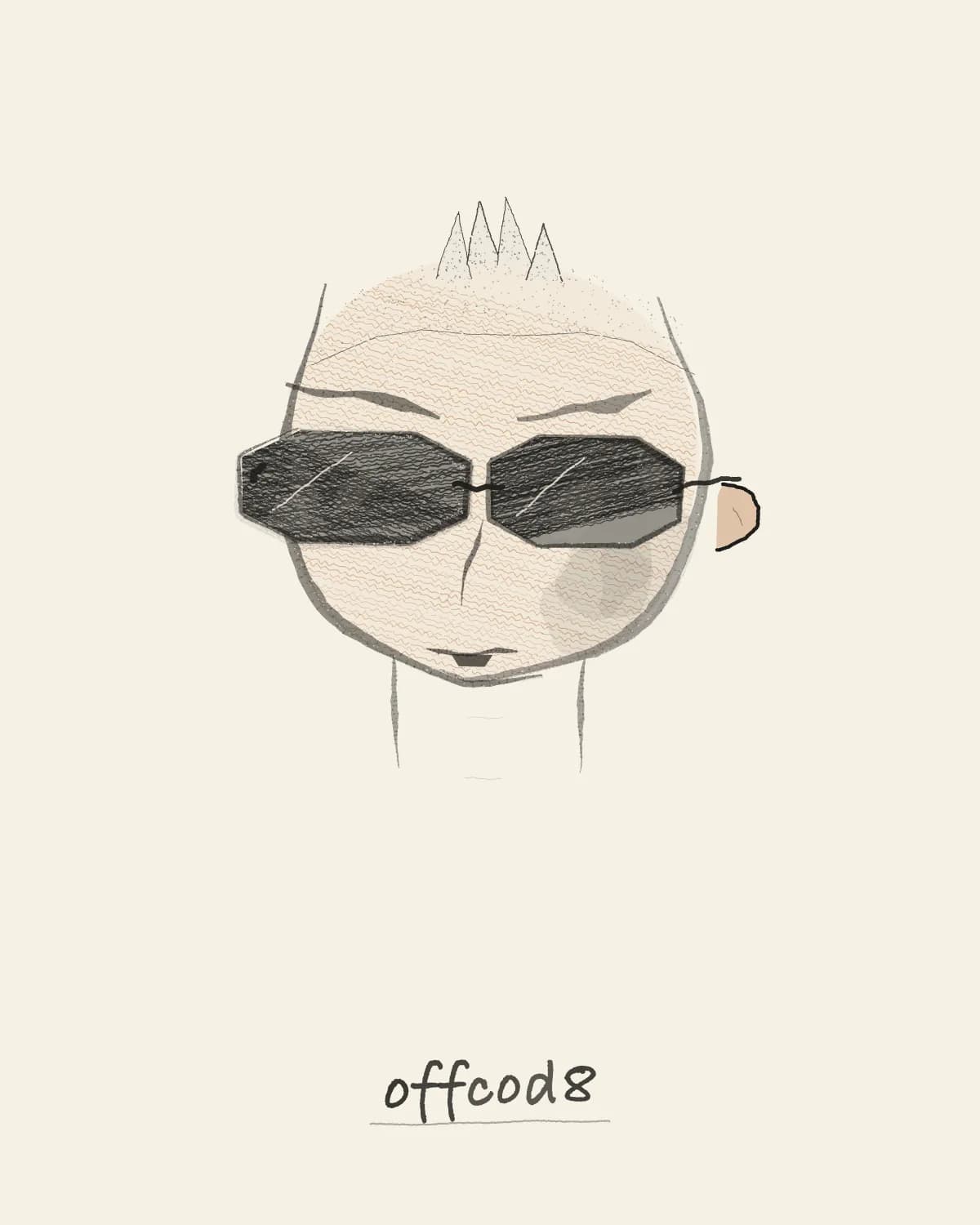
Computers do not really produce random numbers. They take a starting number and run it through a formula that spits out values which look scattered. Feed in the same starting number and you get the same sequence every time.
That property is usually an annoyance. Here it is the entire feature.
// FNV-1a, then a mixing step so similar names land far apart
function hashStr(str) {
  let h = 2166136261 >>> 0;
  for (let i = 0; i < str.length; i++) {
    h ^= str.charCodeAt(i);
    h = Math.imul(h, 16777619);
  }
  h ^= h >>> 13;
  h = Math.imul(h, 0x5bd1e995);
  h ^= h >>> 15;
  return h >>> 0;
}

const R = mulberry32(hashStr("shashwa7"));
R is now a function. Every decision after this point pulls from it: skull width, jaw shape, which of seventeen hairstyles, whether there are glasses and which kind, whether the light in the room is a monitor.
Nothing is saved anywhere. There is no database, no image on disk, no cache to invalidate. The name is the storage. I rendered the same handle twice through headless Chrome and compared the files, and the two PNGs were byte for byte identical.
Deciding and drawing are separate
One function decides who the person is. It touches no canvas at all and returns a plain object:
function castTraits(R, present = "any") {
  const T = {};
  T.jaw = bias(rr(R, 0.66, 0.98), rr(R, 0.86, 1.12), rr(R, 0.72, 1.06));
  T.hairStyle = weighted(R, bias(HAIR_FEMME, HAIR_MASC, HAIR_FLUID));
  T.glasses = weighted(R, [[null, 58], ["round", 11], ["square", 10],
                           ["thin", 6], ["shades", 9], ["aviator", 6]]);
  T.headphones = chance(R, 0.24);
  // ...about forty more decisions
  return T;
}
A second function takes that object and paints it, back to front, one function per layer:
halo, construction circle, hair behind the head, neck, face, ears,
shading, screen glow, blush, eyes, nose and mouth, hair in front,
mask, glasses, hats and headphones, accidents
That order is the drawing. Hair behind the head paints before the face, hair over the forehead paints after. Glasses paint after eyes, which is why opaque sunglasses hide them and wire frames do not.
Keeping the two apart paid for itself twice.
The first time was when I added a control for how the portrait presents, so that a name like Raj is not forced into one reading. The output looked wrong to me, and my instinct was that the setting was not wired up. Because casting is pure, I could run it 400 times per setting and count, without drawing a single pixel:
| Presentation | Long or bob hair | Stubble |
|---|---|---|
| femme | 70% | 2% |
| masc | 19% | 44% |
| fluid | 41% | 18% |
The bias was working perfectly. The real fault was that pale hair rendered too faint to see, so long-haired portraits read as bald. I would have spent an evening rewriting the correct half.
A bigger drawing is not a zoomed drawing
Scaling the portrait up looked coarse and flat. Blowing it up to card size gave me a heavy black mass of hair with no interior detail.
Photocopy a postcard onto a poster and the lines get fat and clumsy. A drawing actually made at poster size has the same thin pencil lines the postcard had, because the pencil tip never changed. There are simply more of them, carrying more detail.
So line weight and texture spacing needed a correction that runs against size:
// below 1 for a large portrait, above 1 for a thumbnail
const K = Math.min(1.3, Math.max(0.55, Math.pow(72 / s, 0.32)));

const lwThin = s * 0.021 * press * K;   // finer lines when bigger
hatchFill(R, pts, s * 0.045 * K, angle, 0.4, TW);  // tighter texture too
Judged by the worst output
A vending machine that works nineteen times out of twenty is a bad vending machine. The one time it eats your money is the round anyone remembers.
Generated art has the same shape, and it is worse, because failures hide. Eight portraits appear, one is broken, you refresh and it is gone. I spent days chasing artefacts I could not reproduce, guessing at causes, and shipping fixes that changed nothing.
What ended it was giving up on random samples and building contact sheets. One cell per hairstyle, traits pinned, nowhere for a lucky seed to hide:
// audit mode forces a trait instead of letting the seed choose
if (opts.force) Object.assign(T, opts.force);
One page load and five broken renderers were sitting there in a row.
slick, buzz, mohawk, buns and spiky all drew bald heads. The cap-shaped hair styles built their outline from a hairline at -0.66s and a crown at -0.85s, so the polygon between them came out as a crescent about a tenth of a unit thick. That is a sliver, and the head showed straight through it.
ponytail had a different fault. When it rolled no fringe, none of the branches in the front-hair layer matched it, so it drew the tail and never drew a cap. A bare skull with a coloured flap floating beside it.
Two confident guesses at the cause of that flap had already turned out wrong. The contact sheet settled it in about four seconds.
What it costs
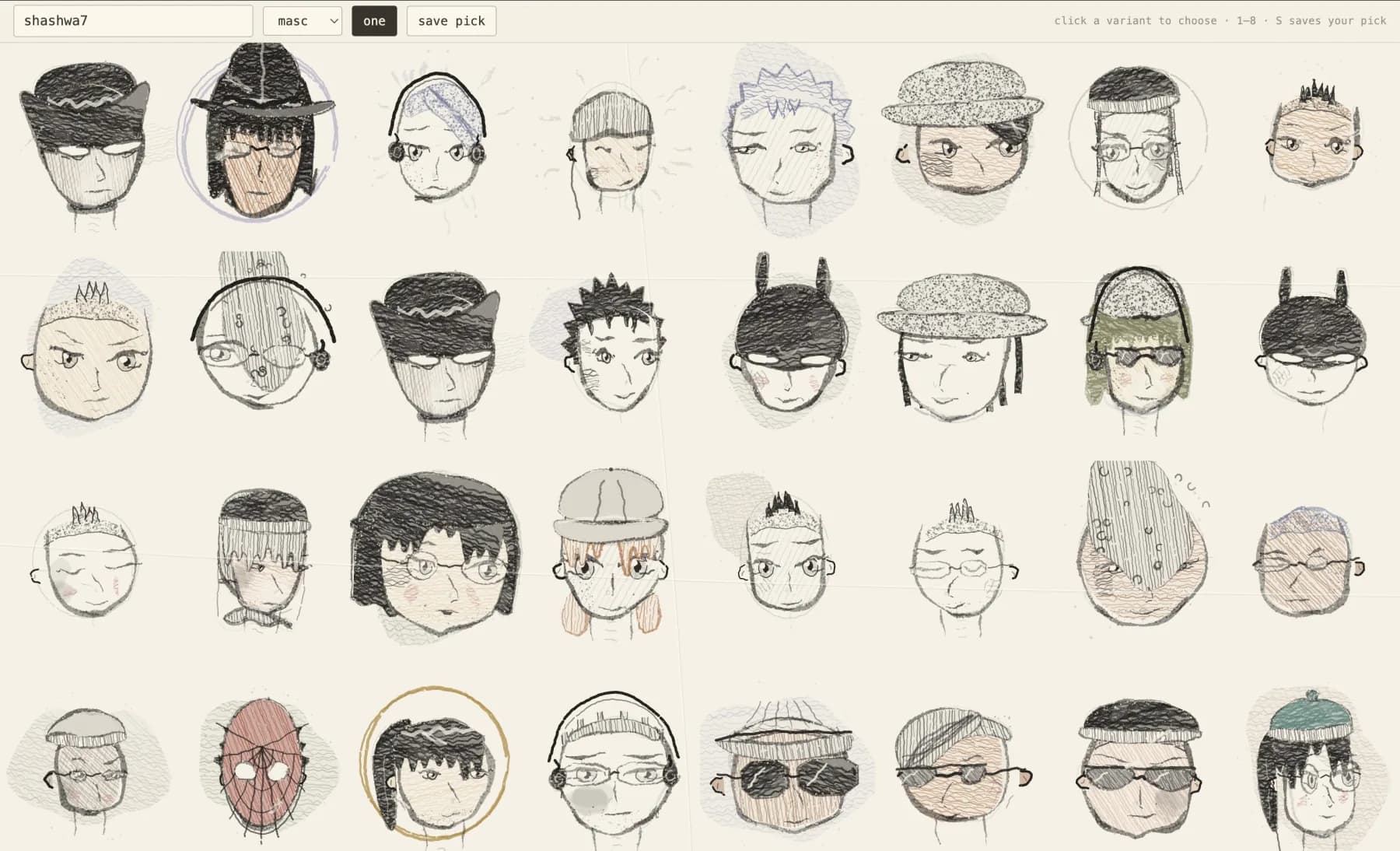
Thirty-two portraits render in under a second, including browser startup. The file is 132 KB, of which 51 KB is an embedded handwriting font so the page does not depend on what happens to be installed on the reader's machine. There are no requests, no dependencies, and no build step. Opening the file from disk works.
If you want to try this
Read someone else's rendering code first. A working generator answers questions that documentation never raises, because you can break it and watch what happens.
Keep deciding separate from drawing. You get to measure what your generator does without rendering anything, and every fix stays local.
Build the contact sheet before you think you need it. Every hour I spent staring at random output was an hour I could have spent looking at all the cases at once.
Source and full credit: github.com/kengocodes/cyber-crowd, MIT licensed, by Kevin Ngo.